
It all started on a Sunday morning. I was writing an article for my blog Every New Model Review Feels Like a Catfish Date about how AI benchmarks can be misleading. I was in the flow, getting my thoughts down, until I hit that inevitable roadblock: I needed screenshots.
UGH.
I hate taking screenshots. It sounds trivial, right? But it’s not just “Cmd+Shift+4”. It’s a whole ritual of opening the site, dismissing popups, scrolling to the exact spot, taking the shot, realizing it’s wrong, retaking it, and then renaming a file with a timestamp that looks like a radio frequency.
And then, I heard the universal developer call of the wild. I started thinking, “I wonder if I could just vibe code a tool to do this for me?”
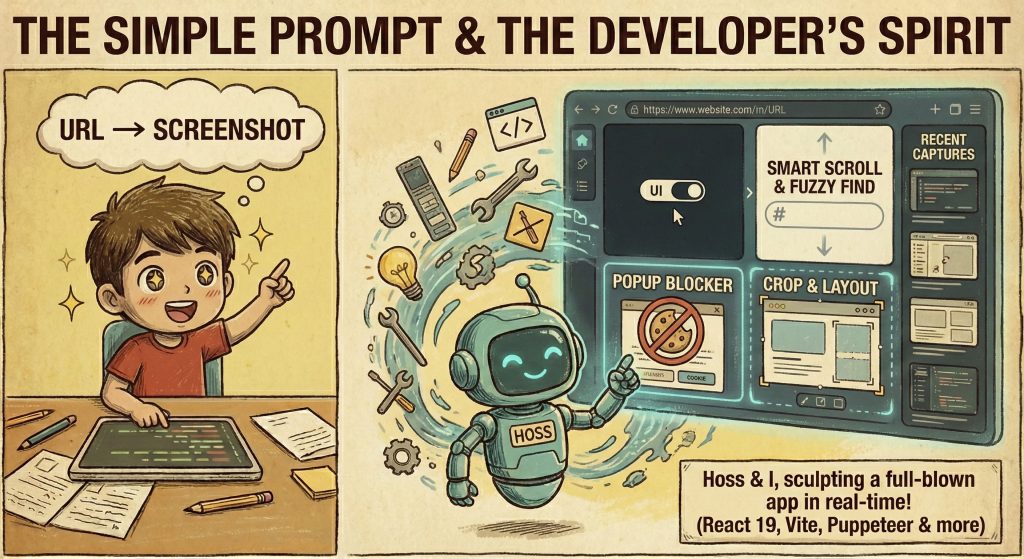
As developers, we hate repetitive work enough to spend six hours automating a five minute task. But with AI and vibe coding, that has changed. What used to take months now feels only a few hours away.
So, I opened my editor, looked over at my AI assistant, which in reality is Cursor, but I’m calling Hoss, and we started vibing together.
Phase 1: The Design & “Feature Creep”
I started with a simple prompt for Hoss: “I want a tool that takes a URL and gives me a screenshot.”
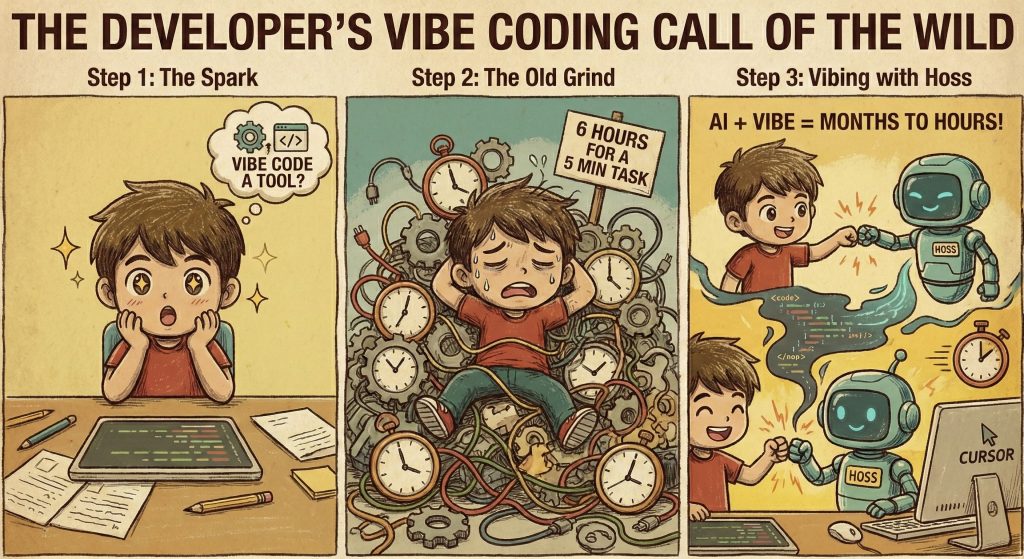
Hoss grabbed Puppeteer, a library that controls a headless Chrome browser. Within minutes, I had a script running locally. I’d feed it a URL, and it would spit out a PNG. Sweet, and for a fraction of a second, I foolishly thought I was done.
But the developer spirit is never satisfied with “just working.” The vibe coding session turned into a full blown design sprint:
- The UI: Added a sleek interface using React 19 and Vite, with Dark and Light modes.
- Smart Scrolling: Added logic to handle URL hashtags and fuzzy find headers.
- War on Popups: Blocked known popup scripts and injected cookie consent.
- Cropping & Layouts: Added full page capture, cropping, and layout controls.
- History: A “Recent Captures” sidebar using LocalStorage.
It felt like Hoss and I were sculpting the app in real time. I focused on the what and Hoss handled the how. That’s really what makes Vibe coding effective and why you need someone who understands the problem.
Phase 2: The “Works on My Machine” Trap
I deployed to GitHub Pages. Instant blank screen. Panic. A full emotional collapse in record time.
GitHub Pages is static. Puppeteer needs a server. Browsers can’t run full browsers inside them.
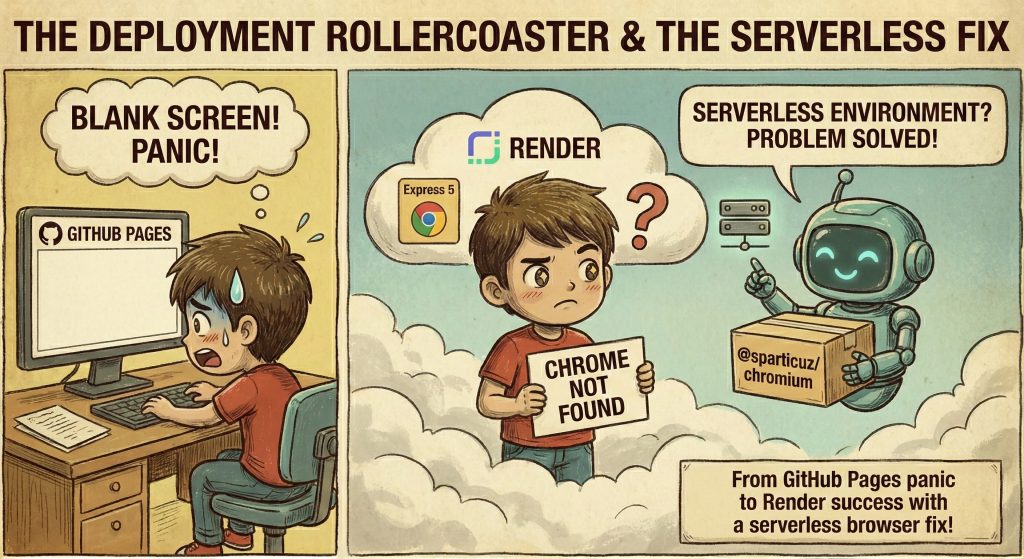
I moved to Render, a pretty fantastic deployment tool, and wrapped the backend in Express 5, and pushed again.
Then came: “Chrome not found.”
Cloud environments don’t ship full Chrome. We swapped in @sparticuz/chromium, built for serverless environments. Problem solved.
Phase 3: Fear of Success (and Bills)
As the app started looking professional, I had a sudden moment of panic, which reminded me of that famous six stages of a project that moves from excitement to disillusionment to panic.
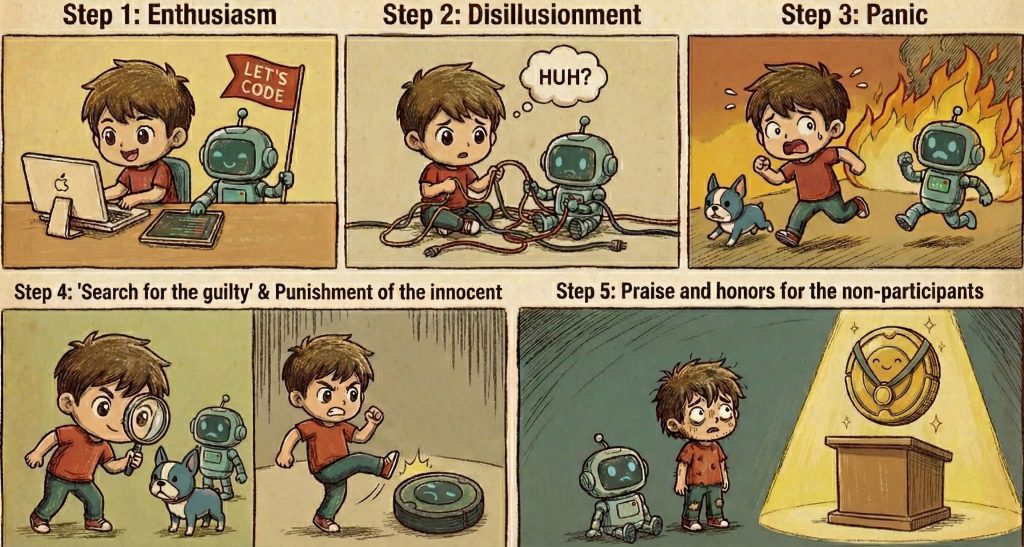
“What if someone scripts this to take 10,000 screenshots a minute?”
We added Rate Limiting. But modern mobile networks use IPv6, where users get a subnet with trillions of addresses. We wrote logic to group these so one user couldn’t pretend to be many.
The Takeaway: Geniuses Will Still Genius
This journey shows how development has changed. What once would have been a “maybe someday” project in my free time became something I could build quickly because the friction of setup and debugging has dropped so much.
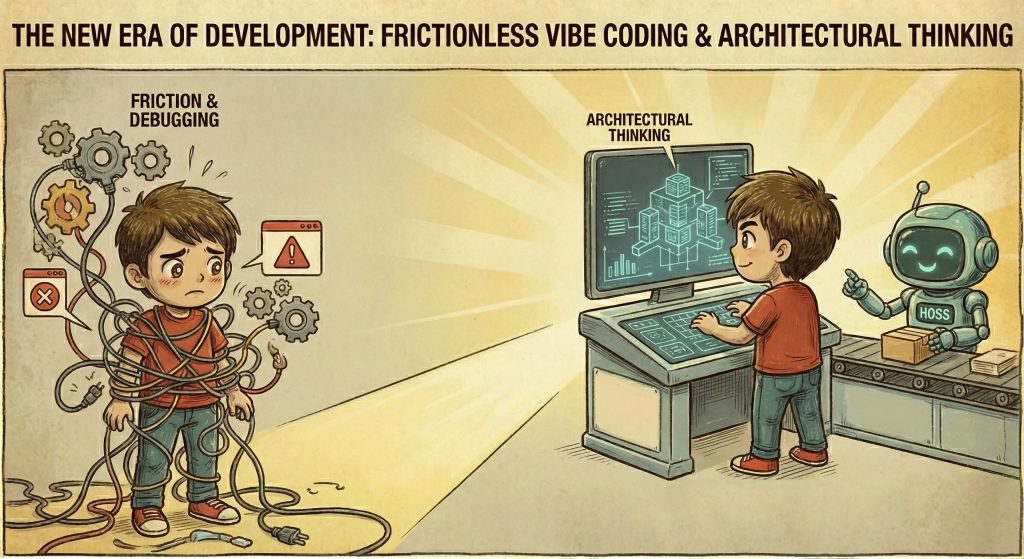
Vibe coding keeps you in problem solving mode, but it still demands real developer skills. I needed to understand why GitHub Pages failed, how IPv6 subnets behave, and how to secure an API.
Vibe coding doesn’t remove the need for architectural thinking. Everyone can code tools now, but the need for developers hasn’t disappeared. It has shifted. We get to skip the repetitive parts and focus on the harder, more interesting problems.
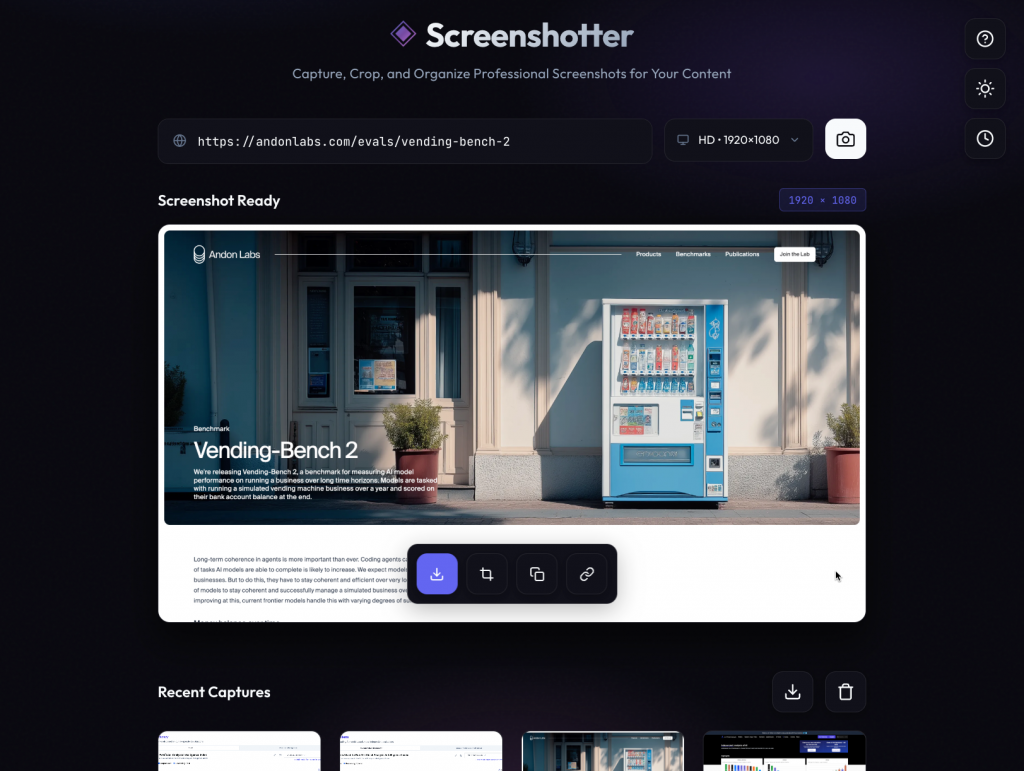
You can find try the finished project which I released on Render, and the github repo.
Built with React 19, Node, Puppeteer, Love, Fear, and a lot of coffee.